
Home » Member Resources
Your appointment confirmation or event invitation contains the instructions for your specific screening. Review it before arriving because preparation requirements may vary based on the services being offered.
Confirm the event date, appointment time, location and any special instructions in your confirmation email or text message.
Use an email address you can access from your phone. This email will be used for portal registration, result notifications and account recovery. Each adult member or dependent should use a unique email address.
Some testing may include specific fasting or preparation instructions. Follow the directions provided in your appointment confirmation. Unless instructed otherwise, water is generally encouraged.
Continue taking medication as directed by your healthcare provider. Health Gauge does not recommend changing or stopping medication for a screening unless your personal provider has instructed you to do so.
Choose comfortable, two-piece clothing. Wear sleeves that can be rolled above the elbow for blood pressure measurements or bloodwork. Avoid tight necklines when carotid or thyroid ultrasound screening is included. encouraged.
Your phone may be helpful for confirming your email address, completing portal registration and receiving appointment or result notifications.
A list of your medications and dosages may be useful when completing your health information.
Set aside approximately one hour. Your actual appointment time will depend on the number and type of services included in your screening package.
Your exact screening experience will depend on the services selected by your Local Union or Health & Welfare Fund. Not every member will receive every service shown in this video.
A simple, guided screening experience
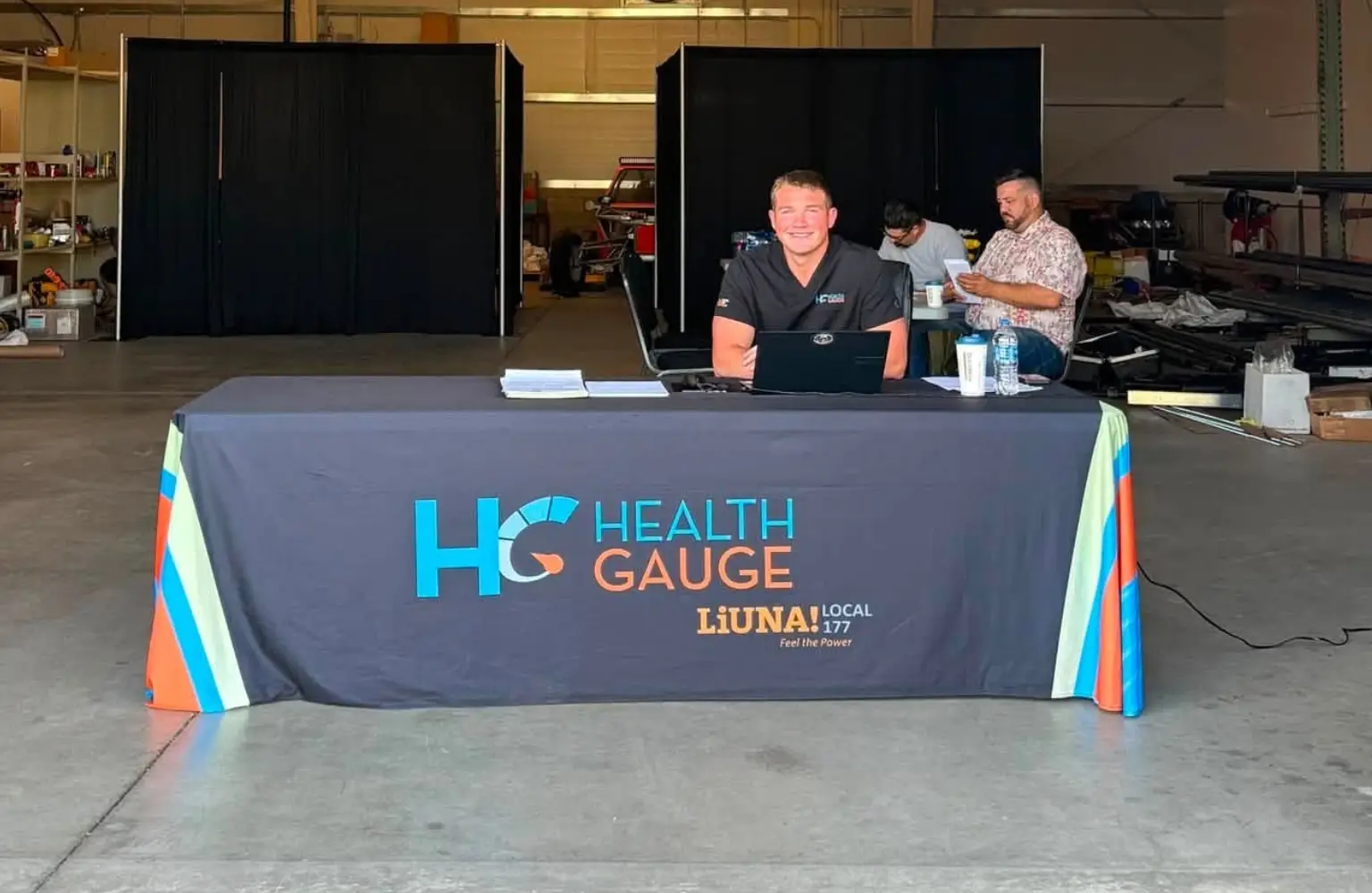
A Health Gauge team member will welcome you, confirm your appointment and verify your contact information.
You may be asked to review consent forms, health-history questions and information needed for your screening results.
Depending on your program, this may include measurements such as blood pressure, height, weight, waist measurement or other biometrics.
When bloodwork is included, a trained phlebotomy team member will collect the required sample. Tell the team member if you are nervous about needles, have previously felt faint during a blood draw or need to lie back.
Depending on the services selected by your Fund, your appointment may also include ultrasound, ABI, EKG or other preventive screening services.
Some information may be discussed during the event. A Health Gauge team member can also help make sure you know how to access The Gauge™ before you leave.
Depending on the services included, Health Gauge may review certain measurements or screening information with you during the event.
Results that require laboratory processing or physician review will be added to your secure portal when completed. You will receive a notification when your results are available.
Turnaround can vary based on the type of testing, physician review, laboratory processing or the need for additional verification. The current portal rollout communicates a typical result timeframe of five to seven business days.
Read the full report, including any physician comments and recommended next steps. A result outside the expected range does not automatically mean that you have a medical condition, but it should not be ignored.
Download or print available results and discuss them with the healthcare professional responsible for your ongoing care.
If a potentially urgent finding is identified, Health Gauge may attempt to contact you using the phone number or email address you provided.
Watch this brief demonstration to see how members can log in, navigate the portal and review available Health Gauge results.
This demonstration is intended to help you become familiar with the portal. The tests, reports and features available in your account may vary based on your screening program.

Tempor vel et fringilla phasellus consectetur praesent
Text text text
Text text text
Eligibility is determined by the Local Union, Health & Welfare Fund, employer or other organization sponsoring the event. Review your invitation or contact your Fund Office when you are uncertain whether you or a dependent is eligible.
Use the scheduling link provided in your event invitation, email, text message or co-branded event page. Appointment availability is generally first-come, first-served.
Use the manage-appointment link in your confirmation or contact Health Gauge. Cancel as early as possible so the appointment can be made available to another member.
The length depends on the screenings included in your program. Members should generally set aside up to one hour.
Follow the preparation instructions in your appointment confirmation. Fasting requirements can vary based on the testing being performed. Do not assume that instructions from a prior year apply to your current event.
Continue medications as directed by your healthcare provider. Do not stop or change a prescribed medication solely because you are attending a screening.
Wear comfortable, two-piece clothing and sleeves that can be raised above the elbow. Follow any additional clothing instructions included in your event confirmation.
Tell the Health Gauge team before the blood draw. Let the phlebotomist know if you have previously become dizzy or fainted so the team can make you more comfortable.
Most completed results are available in The Gauge™ within approximately five to seven business days. Some results may take longer when additional processing or review is required.
Health Gauge may send an email or text notification using the contact information provided during registration. Make sure your email address and mobile number are accurate.
Log in to The Gauge™ using your registered email address. Open the available results from your portal dashboard.
Confirm that you are using the same email address provided during registration. Check your spam or junk folder for the portal invitation, use the “Forgot Your Password?” option or contact Health Gauge for help.
Each adult member or dependent should use a unique email address so that individual portal accounts and health information remain separated.
Health Gauge provides sponsoring organizations with aggregate program reporting rather than individual member results unless the member has authorized a disclosure or another disclosure is legally permitted or required.
Read the complete recommendation and contact your personal healthcare provider. Bring or send a copy of your report so your provider can determine whether diagnostic testing, monitoring or treatment is appropriate.
Health Gauge may attempt to contact you and recommend prompt medical evaluation. Keep your contact information current and respond promptly to calls, emails or portal messages regarding your results.
Available reports can be saved or printed from The Gauge™. Contact Member Support when you need help accessing or obtaining a copy of your results.
Call 911 or seek immediate emergency medical care. Do not use the website contact form or wait for a Health Gauge screening result when you believe you are experiencing an emergency.
Wear comfortable, two-piece clothing and sleeves that can be raised above the elbow. Follow any additional clothing instructions included in your event confirmation.
Tell the Health Gauge team before the blood draw. Let the phlebotomist know if you have previously become dizzy or fainted so the team can make you more comfortable.
Most completed results are available in The Gauge™ within approximately five to seven business days. Some results may take longer when additional processing or review is required.
Health Gauge may send an email or text notification using the contact information provided during registration. Make sure your email address and mobile number are accurate.
Log in to The Gauge™ using your registered email address. Open the available results from your portal dashboard.
Confirm that you are using the same email address provided during registration. Check your spam or junk folder for the portal invitation, use the “Forgot Your Password?” option or contact Health Gauge for help.
Each adult member or dependent should use a unique email address so that individual portal accounts and health information remain separated.
Health Gauge provides sponsoring organizations with aggregate program reporting rather than individual member results unless the member has authorized a disclosure or another disclosure is legally permitted or required.
Read the complete recommendation and contact your personal healthcare provider. Bring or send a copy of your report so your provider can determine whether diagnostic testing, monitoring or treatment is appropriate.
Health Gauge may attempt to contact you and recommend prompt medical evaluation. Keep your contact information current and respond promptly to calls, emails or portal messages regarding your results.
Available reports can be saved or printed from The Gauge™. Contact Member Support when you need help accessing or obtaining a copy of your results.
Call 911 or seek immediate emergency medical care. Do not use the website contact form or wait for a Health Gauge screening result when you believe you are experiencing an emergency.
(515) 244-3080